Using WhatsApp Groups and Channels for Small Business: A Practical Guide
Updated 7 Nov 2026
Contents
- Start with the right app: WhatsApp Business
- Group, channel or broadcast list?
- Setting up a customer channel
- Running a VIP customer group
- Writing posts that sell without annoying
- Handling orders and payments safely
- Respect permission and privacy
- Make your catalogue work for you
- Build trust before the first sale
- Plan for busy seasons
- Customer service on WhatsApp
- Growing your customer base
- Mistakes that cost small businesses customers
- A simple weekly plan
- Using status updates alongside your channel
- Keep WhatsApp personal and customers keep buying
For millions of small businesses — home bakers, boutiques, tutors, repair shops, electronics sellers, salons — WhatsApp is not just a messaging app, it is the shop window, the order book and the customer service desk. Used well, groups and channels bring repeat customers, fast word of mouth and a direct line to people who already like your products. Used badly, they become one more source of spam that customers mute or leave. This guide shows how to set things up so customers are glad to hear from you.
Start with the right app: WhatsApp Business
If you sell anything, switch to the free WhatsApp Business app. It gives you a business profile with your address, hours and website; a catalogue where customers can browse products with photos and prices; quick replies for common questions; labels to organise chats (new order, paid, delivered); and greeting and away messages. It works with groups and channels just like normal WhatsApp.
Group, channel or broadcast list?
| Tool | Best for | Customers see each other? |
|---|---|---|
| Channel | Offers, new arrivals, announcements to many people | No |
| Group | A small circle of loyal customers, pre-orders, community | Yes |
| Broadcast list | Personal-looking messages to saved contacts | No |
| Direct chat | Orders, payments, complaints | No |
For most businesses the winning combination is a channel for offers, direct chats for orders, and optionally a small group for VIP customers.
Setting up a customer channel
- Create the channel from the Updates tab with your business name and a clear promise: “New designs every Friday + member-only discounts.”
- Use your logo as the icon and add your city or delivery area to the description.
- Share the link on your shop counter (as a QR code), receipts, packaging, social media and website.
- Post on a fixed schedule — for example, new arrivals on Fridays, a weekend offer on Saturdays.
Because followers’ numbers are hidden, customers join more easily than they would join a group, and you never have to moderate arguments or spam.
Running a VIP customer group
A small group of regular customers can feel like a club. Use it for early access to new products, pre-orders, feedback on new ideas and quick questions. Keep it small (tens, not hundreds), invite only customers who agree to join, and set clear rules: product questions welcome, orders and payments by private message, no promotions from members.
Turn on Only admins can edit group info, and consider Only admins can send messages for short periods, such as during a product launch, to keep things orderly.
Writing posts that sell without annoying
- Lead with the photo. Clear, well-lit product photos sell more than any text.
- Price and key details in the first line. “Embroidered lawn suit – Rs 4,500 – sizes S to L.” People should not have to ask.
- One call to action. “Message us to order” or “Reply with the item number.”
- Use polls to let customers choose next designs or flavours — it builds excitement and tells you what will sell.
- Share stories occasionally: how a product is made, a happy customer’s photo (with permission), behind the scenes. It builds trust.
Handling orders and payments safely
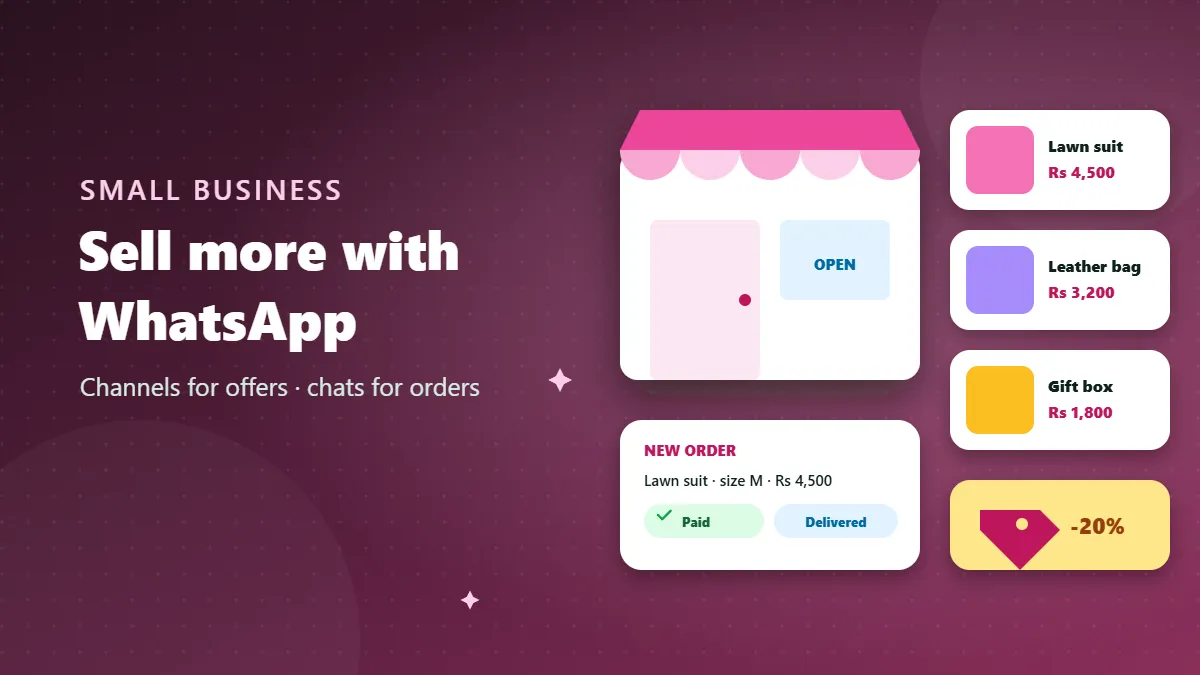
Never take orders or payments inside a group. Move every buyer to a direct chat, confirm the item, price, delivery address and total in one message, and only then share payment details. Label the chat “new order”, then “paid”, then “delivered”. This protects your customers’ privacy and protects you from disputes.
Be alert to fake payment screenshots, a common scam against sellers. Confirm money has actually arrived in your account before sending goods, and never “refund the extra amount” to someone who claims to have overpaid.
Respect permission and privacy
- Never add customers to groups without asking. Share the link and let them choose.
- Don’t message people who haven’t contacted you or opted in; it gets your number reported and can restrict your account.
- Make leaving easy. A note like “Mute or leave anytime — no hard feelings” builds goodwill.
- Protect customer data. Don’t share screenshots of other customers’ chats or addresses.
Make your catalogue work for you
The catalogue in WhatsApp Business is like a mini online shop inside your profile. Add every product with a clear photo, an exact price, a short description and an item code. When customers ask “what do you have?”, send the catalogue link instead of twenty photos. In your channel posts, mention item codes so people can order quickly: “Interested in item B-12? Message us.” Update the catalogue when things sell out — few things annoy customers more than ordering something that is no longer available.
Build trust before the first sale
People buying from a WhatsApp business cannot touch the product or visit a big store, so trust matters more than price. Show your real location or delivery area in your profile, post honest photos (not only stock images), publish a simple return or exchange policy, and share genuine reviews with customers’ permission. Clear delivery times and a message when the order is dispatched reduce worried “where is my order?” chats. Every honest detail you share removes a reason not to buy.
Plan for busy seasons
Most small businesses have peaks: festivals, weddings, school openings, summer and winter changes. A month before a peak, announce pre-orders in your channel, update your catalogue, prepare quick replies for delivery deadlines, and decide your last order date. During the peak, post fewer but clearer updates — stock status, final dates, delivery cut-offs — so customers are informed without being flooded.
Customer service on WhatsApp
Fast, polite replies are your biggest advantage over big companies. Set quick replies for common questions (prices, delivery times, return policy), use an away message outside working hours that says when you will reply, and handle complaints privately and quickly. A complaint solved well often creates your most loyal customer.
Growing your customer base
- Put a QR code for your channel at your counter and on packaging.
- Add the channel link to your social media bios and your website.
- List your channel or community group in a relevant directory category such as Shopping or Business.
- Offer a small, honest incentive: “Followers get first access to new designs.”
- Ask happy customers to forward your posts to friends who might like them.
Mistakes that cost small businesses customers
- Posting several times a day until customers mute you.
- Mixing personal and business chats on the same account.
- Using a group as a broadcast list, exposing every customer’s number to all others.
- Unclear prices that force everyone to ask “price?”.
- Slow or no replies to direct messages.
A simple weekly plan
| Day | Channel post |
|---|---|
| Monday | Customer photo or review (with permission) |
| Wednesday | Poll: which design/flavour next? |
| Friday | New arrivals with prices |
| Saturday | Weekend offer with a clear end time |
Using status updates alongside your channel
WhatsApp status updates disappear after 24 hours and are seen by contacts who have saved your number. They are ideal for quick, informal content: today’s fresh batch, a behind-the-scenes video, a reminder that the sale ends tonight. Use status for “right now” moments and your channel for the information customers might want to find again later, such as prices and new collections. Together they keep you visible without sending a single unwanted message.
A good habit is to post one status every day you are open, even if it is simple — a photo of the counter in the morning, a finished order ready for delivery, or a short thank-you to customers. Regular, real updates remind people you exist and show that your business is active and trustworthy, which is exactly what makes a first-time buyer comfortable enough to message you.
Keep WhatsApp personal and customers keep buying
WhatsApp works for small businesses because it feels personal. Keep it that way: broadcast offers in a channel, take orders in private chats, keep any customer group small and friendly, and always ask before adding anyone. Customers who choose to hear from you are the ones who keep buying.
Frequently Asked Questions
Should I use WhatsApp Business instead of normal WhatsApp?
For a business, yes. The WhatsApp Business app adds a business profile, catalogue, quick replies, labels and away messages, and it works with groups and channels.
Is it okay to add customers to my group?
Only with their permission. Ask first or share the link, and let them join themselves.
How often should I post offers?
For most shops, two to four posts a week is enough. More than once a day usually leads to muting.
Can I take payments in a group?
Handle payments privately, never in a group. Share bank or wallet details only in direct chats with confirmed buyers.