How to Spot Fake and Scam WhatsApp Groups: 12 Warning Signs
Updated 12 Oct 2026
Contents
- Why scammers love WhatsApp groups
- The 12 warning signs
- The most common scam types
- How scammers find their targets
- Groups that target specific people
- How to check a group before trusting it
- What to do if you are targeted
- Settings that make you a harder target
- How we keep scams off this directory
- Five signs that mean leave immediately
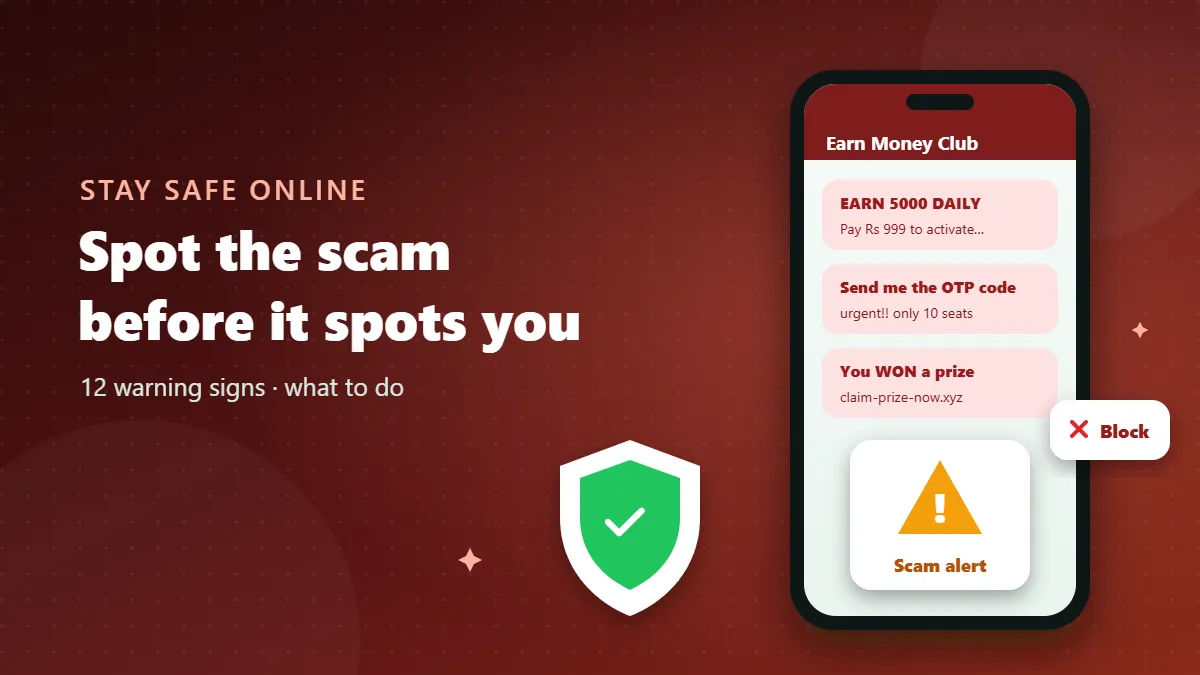
WhatsApp groups are where many people find jobs, deals, study partners and news. That same openness makes them attractive to scammers. A fake group can look almost identical to a real one: a friendly name, a nice picture, active-looking members and confident admins. The difference is in the details — and once you know what to look for, most scam groups give themselves away within minutes. This guide lists twelve warning signs, explains the most common scam types we see, and tells you exactly what to do if a group turns out to be fake.
Why scammers love WhatsApp groups
A group lets one person talk to hundreds of people at once while looking like a community rather than an advertisement. Messages feel personal, they arrive on the same app you use for family, and social proof — other members cheering — is easy to fake. Scammers also know that many people join groups from public links without checking who runs them. That is the gap this guide helps you close.
The 12 warning signs
1. Promises of easy, guaranteed money
“Earn 3,000 daily from home”, “guaranteed 40% monthly profit”, “just like posts and get paid”. Real opportunities rarely use the word guaranteed, and they never promise large returns for little effort. This is the single most common hook.
2. You must pay before you earn
Registration fees, “activation” charges, training kits, security deposits — if a job or opportunity asks you to pay first, treat it as a scam until proven otherwise. Genuine employers pay you; they do not charge you to start.
3. Pressure and countdowns
“Only 10 seats left”, “offer ends tonight”, “admin will close the link in one hour”. Urgency is used to stop you thinking. A real community will still be there tomorrow.
4. Admins who move you to private chat
A common pattern is a public group full of success stories, followed by an admin who messages you privately with a “special plan”. Once you are in a one-to-one chat, nobody else can warn you.
5. Screenshots of profits that cannot be checked
Bank alerts, wallet balances and payout screenshots are trivial to fake. Groups that post a constant stream of them, with no way to verify anything, are performing — not proving.
6. Members who all sound the same
Scroll the chat. If dozens of members post nearly identical messages (“Thank you sir, received payment!”), often from numbers with no profile picture, you are probably looking at fake accounts controlled by the same people.
7. Only admins can post
Announcement-only groups are normal for news or schools. But when an “investment” or “job” group blocks members from posting, it also blocks anyone from asking awkward questions or sharing a warning.
8. Requests for codes, OTPs or verification messages
No group, admin or company needs the six-digit code WhatsApp sends you by SMS, or the one-time passwords from your bank. Anyone asking is trying to take over your account or your money. This is a hard stop.
9. Links to look-alike websites and apps
Fake trading platforms, cloned bank pages and “prize claim” forms often use addresses that are one letter different from the real thing. Even more dangerous are links asking you to install an app file (APK) from outside the official app store.
10. Names copied from famous brands or people
Groups claiming to be the official group of a bank, a mobile network, a government scheme or a celebrity are almost never official. Real organisations announce their WhatsApp channels on their own websites.
11. Vague or changing details
Ask a simple question — what is the company’s registered name, where is the office, what exactly do I sell? Scam admins dodge, change the subject, or answer with more pressure.
12. Your instinct says something is off
Spelling mistakes in “official” notices, an admin who calls everyone “dear”, a sudden change of group name — trust that feeling. Leaving costs you nothing.
The most common scam types
| Scam type | How it starts | What they want |
|---|---|---|
| Task or “like and earn” jobs | Small first payment for simple tasks to build trust | Bigger “deposits” to unlock higher-paying tasks |
| Investment and crypto signals | Profit screenshots and a confident “mentor” | Money sent to a fake platform you cannot withdraw from |
| Fake job offers | Well-paid jobs abroad or work-from-home roles | Visa, training or registration fees; your ID documents |
| Prize and lucky draw | “You have won” messages with a claim link | A “delivery” or “tax” fee and your personal details |
| Account takeover | A friendly member asks you to “forward a code” | Your WhatsApp account, to scam your contacts next |
How scammers find their targets
Most people who end up in a scam group did not go looking for one. They were added by a stranger, they replied to a message from an unknown number, or they joined a public link that promised something too good to ignore. Scammers collect numbers from public groups, from online marketplaces where people post their phone number, and from leaked contact lists. Once they have a number, they add it to a fresh group with an exciting name and wait to see who stays. That is why the privacy setting that stops strangers from adding you to groups (covered below) is one of the most effective protections you have.
Scammers also follow the calendar. Before exam results they pose as “result checking” services; during admission season they sell fake seats; around big cricket tournaments they push betting “tips”; before festivals they offer fake discounts and lucky draws. When a group suddenly appears around a big event, be extra careful.
Groups that target specific people
- Students are offered leaked papers, guaranteed admission or paid “internships” that require a fee. Real institutions never sell papers or seats through WhatsApp groups.
- Job seekers see overseas jobs with free visas and high salaries, or part-time “data entry” work that starts with a registration charge.
- Online sellers receive fake payment screenshots from “buyers” in marketplace groups, followed by a request to refund the “extra” amount.
- Older family members are often added to groups that share alarming health claims or prize messages. Sit with them once and set their group privacy to “My contacts” — it prevents most of these problems.
How to check a group before trusting it
- Search the name. Type the group or company name into a search engine with the word “scam” or “review”. Many schemes have been reported before.
- Look for an outside presence. A real business has a website, a physical address or official social media accounts that link back to the group.
- Read the oldest messages you can. Scam groups often get renamed and reused. Old messages sometimes reveal a completely different “business”.
- Ask a neutral question in the group. Watch how admins react. Real communities answer; scams remove you.
- Never move to private chat for money matters. Keep everything public or walk away.
What to do if you are targeted
- Stop replying and do not send anything else — no money, no documents, no codes.
- Take screenshots of the group info, admin numbers, messages and any payment details.
- Report the group: open the group info screen and tap Report group. You can also report individual numbers from their chat.
- Leave the group and block the admins who contacted you privately.
- If money was sent, contact your bank or wallet provider right away; quick action sometimes allows a transfer to be stopped. Then report to your local cybercrime unit.
- If you shared a WhatsApp code, reinstall WhatsApp, register your number again to log the other person out, and turn on two-step verification.
- Warn your contacts if your account may have been used, so nobody sends money to “you”.
Settings that make you a harder target
- Settings → Privacy → Groups → My contacts: strangers can no longer add you to groups.
- Settings → Account → Two-step verification: protects your account even if someone gets your SMS code.
- Settings → Privacy → Profile photo / About → My contacts: less information for scammers to use.
- Settings → Privacy → Calls → Silence unknown callers: reduces scam calls from group members you do not know.
How we keep scams off this directory
Every link submitted to our site is checked automatically. Names and descriptions with gambling, adult, hacking or “easy money” wording are blocked before they are listed, expired links are hidden, and visitors can report any page with one tap. No filter is perfect, so the habits in this guide still matter — but you should find far fewer traps here than in random link dumps.
Five signs that mean leave immediately
If a group promises easy money, asks you to pay first, rushes you, pulls you into private chat or asks for any code — leave. Real communities are patient, transparent and happy to answer questions. Scams are the opposite, and now you know how to tell them apart.
Frequently Asked Questions
Can I get hacked just by joining a WhatsApp group?
Joining alone does not hack your phone. The danger comes from clicking links, installing files or sharing codes that people send inside the group.
Is a group with thousands of members always safe?
No. Scammers often fill groups with fake or bought accounts to look popular. Member count is not proof of trust.
What should I do if I already sent money?
Contact your bank or payment provider immediately, save screenshots of the chat, report the group in WhatsApp, and file a report with your local cybercrime authority.
Does reporting a group really help?
Yes. Reports send recent messages to WhatsApp for review, which can lead to the group or accounts being banned.