Managing a Large WhatsApp Group: Admin Tools and Moderation Tips
Updated 1 Nov 2026
Contents
- Know your admin powers
- Build an admin team, not a single admin
- Control who gets in
- Handle spam fast
- Reduce noise with structure
- Dealing with conflict
- Protecting members’ privacy
- Handling misinformation
- Your responsibilities as an admin
- Using a community to scale
- Know when the group has outgrown its format
- A weekly admin routine
- Look after yourself too
- Systems, not effort, keep big groups calm
A small WhatsApp group runs itself. A large one does not. Once a group passes a hundred or so active members, new problems appear: spam accounts slip in through the public link, the same questions are asked every hour, arguments start between people who have never met, and important messages disappear under memes. Admins who handled everything casually at fifty members suddenly feel overwhelmed. This guide covers the tools WhatsApp gives admins and the routines that experienced moderators use to keep big groups calm, safe and worth staying in.
Know your admin powers
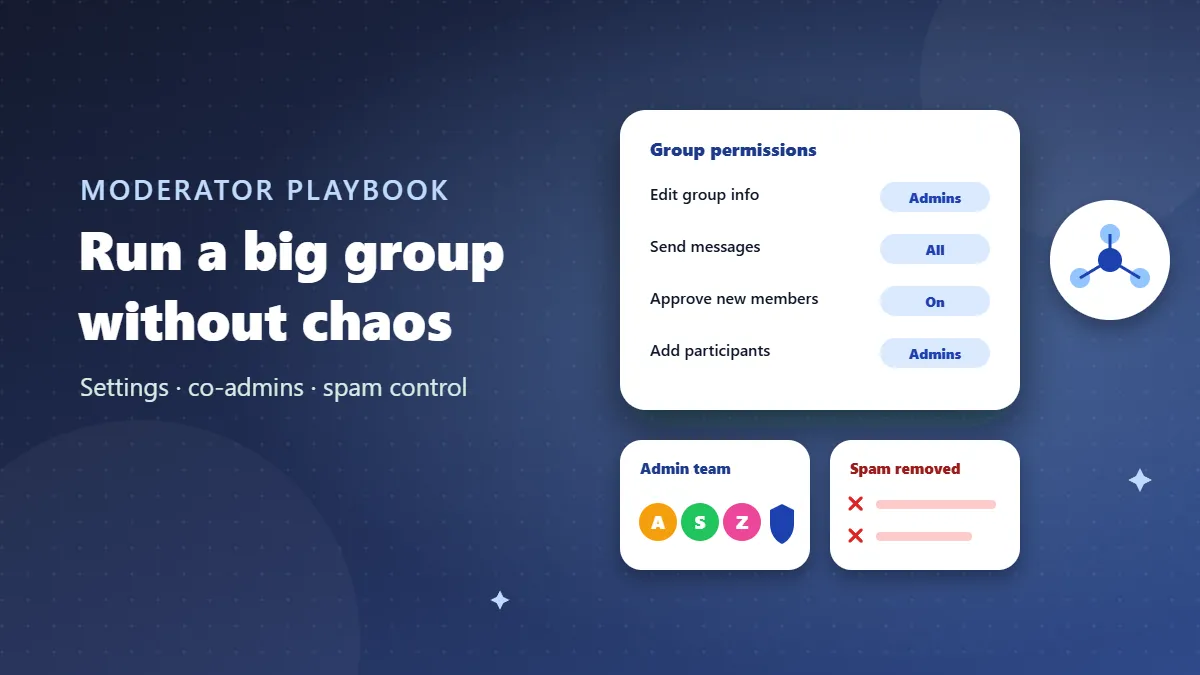
Open the group info screen and tap Group settings (or Group permissions). As an admin you can control:
- Edit group settings — who can change the name, picture, description and disappearing messages. For large groups, set this to admins only.
- Send messages — all participants, or admins only. You can switch this on and off, for example to create quiet hours.
- Add other participants — whether members can add people directly. In big groups, limit this to admins.
- Approve new participants — people joining via link must be approved. Essential for public groups.
- Edit admins — make or dismiss admins from the participant list.
Admins can also remove participants, delete any message for everyone, pin messages to the top of the chat, and reset the invite link so old copies stop working.
Build an admin team, not a single admin
One person cannot watch a busy group all day. Appoint two to four co-admins and agree on a few things privately:
- Coverage: who keeps an eye on the group in the morning, evening and at weekends.
- Consistency: what gets a warning and what gets an immediate removal, so members see the same standards from every admin.
- Communication: a separate small admin group to discuss problem members, upcoming posts and rule changes away from the main chat.
- Succession: if the founder becomes inactive, who takes over.
Choose co-admins for judgement, not popularity. The best moderators are calm, fair and online at different times from you.
Control who gets in
Most moderation problems start at the door. With Approve new participants on, you see each request with the person’s name, number and profile picture. Quick checks help:
- Does the number have a profile name and picture, or is it blank?
- Does the country code make sense for a local group?
- Did several requests arrive at the same moment from similar numbers? That often signals a spam batch.
Approving people in batches once or twice a day is enough for most groups. If spam keeps getting through, reset the invite link and share the new one only in trusted places.
Handle spam fast
Spam spreads by example: if one promotional message stays up for an hour, others assume it is allowed. A simple routine works:
- Delete the message for everyone.
- Remove the account if it is clearly a spam or scam account.
- Report the number from its private chat so WhatsApp can act on it.
- Post a short note if members might have clicked a dangerous link: “A scam link was posted and removed — please don’t open it if you saw it.”
Reduce noise with structure
Pinned messages
Pin the rules, the current weekly topic or important dates. New members see them first, and you stop answering the same questions.
Quiet hours
Switch Send messages to admins only overnight, then back to all participants in the morning. Members appreciate a group that does not buzz at 2 am.
Themed days
Give recurring content a home: “Promotion Fridays” for members’ businesses, “Question Mondays” for beginners. Off-day posts can be redirected politely.
Polls instead of debates
When the group needs a decision — meeting date, next topic, rule change — use a poll. It gives a clear result without a hundred messages of opinions.
Summaries
After a busy discussion or event, an admin can post a short summary. Members who were away catch up in seconds, and it reduces repeat questions.
Dealing with conflict
Large groups bring together people with different backgrounds and opinions. Conflict is normal; how you handle it decides whether the group survives.
- Step in early. A calm admin message after the second heated reply prevents the tenth.
- Move it out. “Let’s continue this privately — this group is for X.” Then actually follow up privately if needed.
- Address behaviour, not people. “Insults aren’t allowed here” lands better than “You are being rude.”
- Be consistent. Apply the same rule to popular members and newcomers alike.
- Use removal as the last step, after a clear warning, except for spam, scams and abuse, which deserve immediate removal.
Protecting members’ privacy
In normal groups, every member can see every other member’s number. That is a responsibility. Remind members not to message others privately without permission, remove anyone who harasses people after meeting them in the group, and never export or share the member list. If privacy is a major concern for your audience, consider moving announcements to a WhatsApp channel or a community announcement group, where numbers are hidden.
Handling misinformation
Large groups spread rumours quickly: fake news, false health advice, edited screenshots, scary “warnings” that turn out to be years old. Admins cannot fact-check everything, but a few habits help:
- Add a rule: “Share a source for news and health information.”
- Watch for messages labelled Forwarded many times; they are often viral rumours.
- When something false is posted, delete it and post a short correction with a reliable source, without shaming the sender.
- For fast-moving events, post updates only from official sources and ask members to wait for confirmation.
A group that is known for accurate information becomes more valuable over time, and members trust its admins more.
Your responsibilities as an admin
Running a large group means you have some responsibility for what happens there. Remove content that is illegal, sexual, hateful or that exposes someone’s private information. Act quickly on reports of harassment, especially involving children or women being contacted privately. Do not allow the sale of illegal goods, and never use the group to collect money for schemes you cannot fully explain. If something serious happens — threats, fraud, abuse — keep screenshots, remove the people involved, and encourage victims to report to the authorities. Clear rules and fast action protect both your members and you.
Using a community to scale
When one group is not enough, a WhatsApp community lets you organise several groups under one roof. A city-wide cricket community might have groups for each neighbourhood team, a group for umpires and organisers, and an announcement group that reaches everyone. Each group keeps its own admins, which spreads the workload, and important news still reaches all members at once.
Know when the group has outgrown its format
Signs it is time to restructure:
- Most messages come from admins and members rarely talk — switch announcements to a channel.
- Several sub-topics compete — split into focused groups and link them in a community.
- The group regularly hits the member limit — create regional or level-based groups, keeping one channel for everyone.
Announce changes a few days ahead, explain the benefit, and pin the new links.
A weekly admin routine
| Day | Task |
|---|---|
| Daily | Approve requests, remove spam, answer reports |
| Weekly | Post the themed topic or roundup, update pinned message |
| Monthly | Review rules, check co-admin coverage, reset link if spam increased |
| Quarterly | Ask members for feedback with a poll; decide whether to restructure |
Look after yourself too
Moderating a busy group can quietly take over your evenings. Set your own limits: decide the hours when you check the group, share the load with co-admins, and mute the admin group at night. Burned-out admins become short-tempered, and that shows in the group. It is perfectly fine to step back for a week and let your team handle things.
Systems, not effort, keep big groups calm
Managing a large group is less about control and more about systems: the right settings, a small team that shares the work, quick responses to spam, and simple routines that give the group a rhythm. Put those in place and even a group of several hundred people can feel like a well-run community rather than a crowded, noisy room.
Frequently Asked Questions
Can admins delete other people’s messages?
Yes. Group admins can delete messages from members for everyone in the group, which is useful for removing spam or rule-breaking posts.
What happens if the only admin leaves?
WhatsApp automatically makes another member an admin, but it is better to appoint co-admins yourself in advance.
How do I stop people re-joining after removal?
Turn on approval for new participants and reset the invite link after removing troublemakers.
When should I switch to a channel?
When most messages are announcements and members rarely need to talk, a channel is simpler and protects members’ privacy.